Slow Internet? How to Stay Productive While Working from Home


Slow Internet? How to Stay Productive While Working from Home
A fast and reliable internet connection has become essential for remote work. But what happens when your connection slows down, video calls freeze, and files take forever to upload? Slow internet can be frustrating and time-consuming—but with the right strategies, you can still stay focused and get your work done. Here are some practical tips to help you remain productive, even when your connection isn’t cooperating.
Start by Understanding the Problem
Before you can fix the issue, it’s important to figure out what’s actually causing the slowdown. Is your entire connection unstable, or are only certain apps giving you trouble?
- Test your speed using an online tool like Speedtest.net or Fast.com. This helps you see if you’re getting the speed you’re paying for.
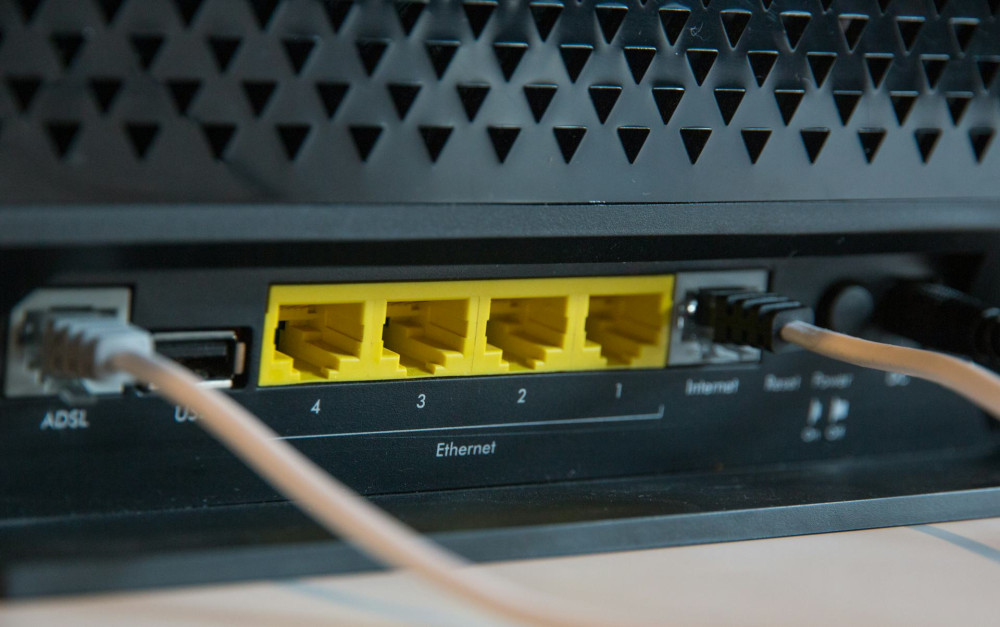
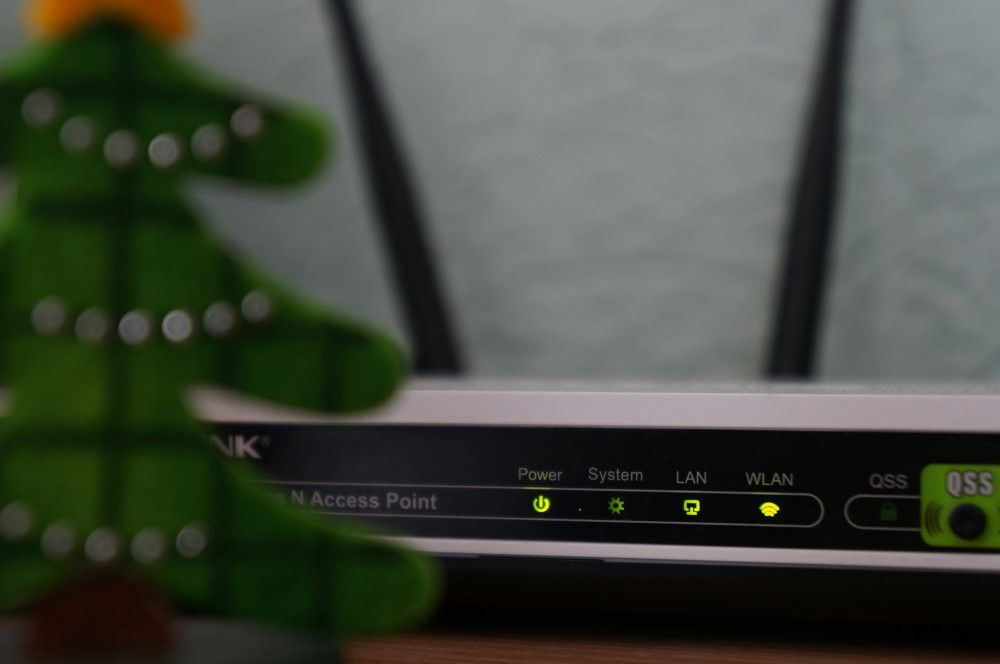
- Check your equipment. Outdated routers or damaged cables can be the culprit.
- Position your router properly. Place it in a central, open area—not behind furniture or in a closet.
- Consider network load. If multiple people in your household are streaming, gaming, or on video calls at the same time, your bandwidth may be stretched thin.
Once you know the cause, it’s easier to find the right solution—and avoid wasting time on temporary fixes.
Optimize Your Workday—Even Without Lightning-Fast Internet
Even if your connection can’t be improved right away, you can still work efficiently by planning and prioritizing smartly.
- Schedule heavy tasks during off-peak hours. Internet speeds often improve early in the morning or later in the evening.
- Work offline when possible. Draft documents, prepare presentations, or organize notes without staying connected all the time.
- Sync files manually. Instead of keeping cloud storage open constantly, save files locally and upload them when your connection is stable.
- Use your phone’s hotspot as a backup. Most smartphones can share their mobile data if your home internet goes down.
By adjusting your workflow, you can avoid getting stuck in downtime and frustration.
Læs også:


Make Video Calls Easier on Your Connection
Video meetings are often the biggest challenge when your internet is slow. But there are several ways to reduce the strain:
- Turn off your camera when it’s not needed. This significantly cuts down on data use.
- Opt for audio-only calls when possible. Many meetings can be just as effective without video.
- Close other apps and browser tabs. Background programs can use up bandwidth you need for your call.
- Keep your meeting software updated. New versions are often optimized for lower bandwidth.
If you frequently experience issues, suggest using shared documents for notes instead of screen sharing—it requires far less data.
Create a Work Environment That Supports Focus
Slow internet can interrupt your flow, but it doesn’t have to ruin your concentration. A well-structured work environment can help you stay calm and productive.
- Set a daily routine. Plan your tasks and breaks so you don’t lose momentum when tech problems arise.
- Use waiting time wisely. If you’re stuck waiting for a file to upload, tidy your inbox, stretch, or review your to-do list.
- Keep communication simple. If chat apps lag, make a quick phone call or send a text instead.
- Stay calm. Technical issues are stressful, but frustration rarely speeds up the fix.
A clear plan and a calm mindset make it easier to handle small disruptions.
Consider Long-Term Solutions
If slow internet is a recurring problem, it might be time to look into more permanent fixes.
- Upgrade your connection. Check if fiber, cable, or 5G service is available in your area.
- Replace your router. A modern router with Wi-Fi 6 can dramatically improve speed and coverage.
- Use wired connections when possible. Ethernet cables provide more stability than Wi-Fi, especially for desktop computers.
- Contact your provider. Sometimes a simple plan adjustment or technical check can make a big difference.
It may require an investment, but faster, more stable internet quickly pays off in saved time and reduced stress.
Productivity Isn’t Just About Speed
While fast internet makes remote work easier, it’s not the only factor that determines how productive you are. Structure, focus, and good habits matter just as much. By combining technical improvements with mindful work practices, you can stay productive—even when your connection isn’t perfect.
Slow internet is annoying, but it doesn’t have to stop you. With a bit of planning, patience, and the right tools, you can still have a smooth and successful workday from home.
Læs også: