Time for a new router? How to spot the signs you should watch for

Time for a new router? How to spot the signs you should watch for
Your router is the heart of your home network. It keeps everything from laptops and smartphones to smart TVs and security cameras connected to the internet. But like any piece of technology, routers age and eventually fall behind. An outdated router can mean slower speeds, dropped connections, and weaker security. Here’s how to tell if it’s time to replace yours—and what to look for in a new one.
1. Your internet feels slow—even with a fast plan
If you’ve upgraded your internet plan but your Wi-Fi still crawls, your router might be the bottleneck. Older models often don’t support the latest Wi-Fi standards like Wi-Fi 5 (802.11ac) or Wi-Fi 6 (802.11ax), which deliver faster speeds and better coverage. Check your router’s label or settings to see which standard it uses. If it only supports “802.11n,” it’s likely a decade old or more—and due for retirement.
2. The connection drops—especially when multiple devices are online
A common sign of a tired router is an unstable connection when several devices are connected at once. If your Wi-Fi cuts out, lags, or requires frequent reboots, your router may not have the processing power or memory to handle today’s device-heavy households. Modern routers are built to manage dozens of simultaneous connections without breaking a sweat.
3. You have dead zones in your home
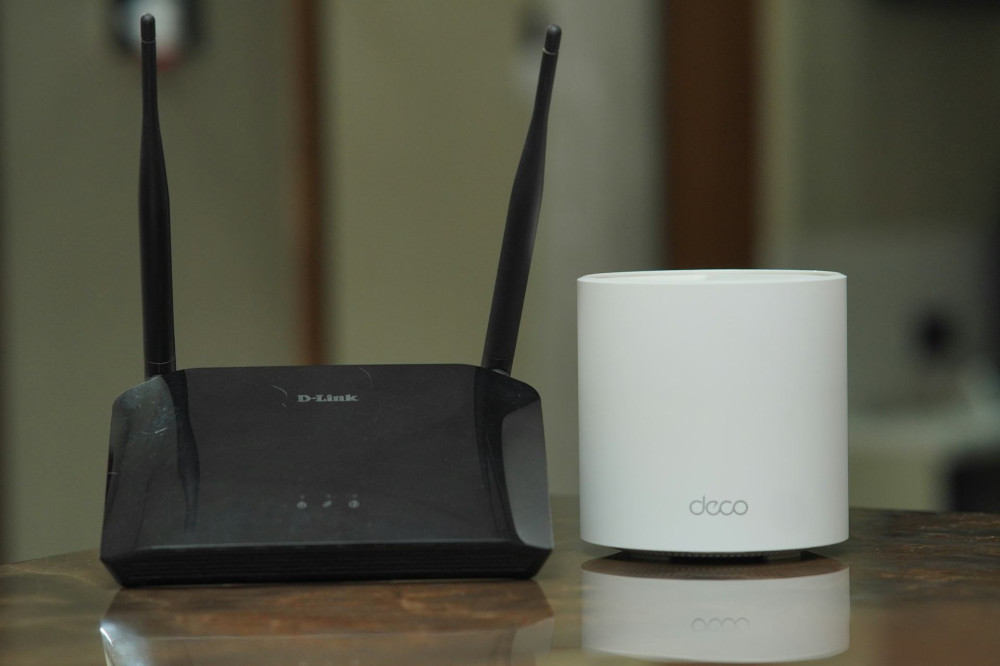
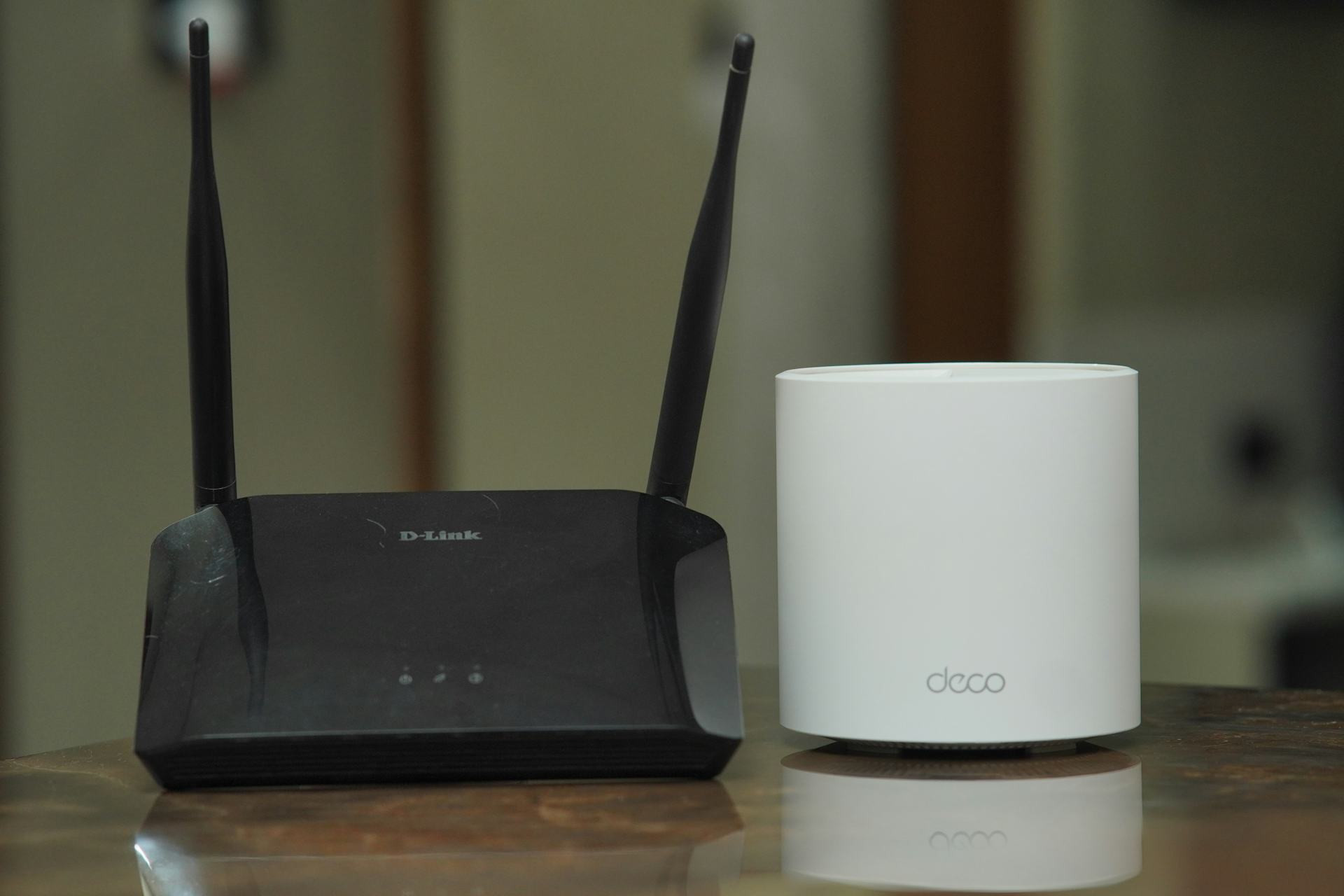
If there are rooms where your Wi-Fi signal is weak or nonexistent, your router might not be powerful enough to cover your space. Newer routers—especially mesh systems—use multiple units that work together to blanket your entire home in strong, consistent Wi-Fi. That’s a big upgrade if you live in a larger house or one with thick walls.
4. Your router runs hot or makes noise
A router that’s constantly hot to the touch could be overworked or suffering from hardware issues. Some older models even have small fans that can start to buzz or whine over time. Overheating can cause instability and shorten the router’s lifespan. If your router feels unusually warm even during normal use, it’s time to consider a replacement.
5. It no longer receives security updates
Routers have their own firmware that needs regular updates to stay secure. Manufacturers typically stop releasing updates after a few years, leaving older models vulnerable to hackers. If your router hasn’t received a firmware update in a long time—or if the manufacturer no longer supports it—it’s a security risk. Check the brand’s website to see if your model is still maintained. If not, replace it as soon as possible.
6. You’re missing modern features
New routers come with features that make your network faster, safer, and easier to manage, such as:
- Parental controls to manage kids’ internet access
- Guest networks to keep visitors separate from your main devices
- App-based management so you can adjust settings from your phone
- Automatic updates that keep your router secure without manual effort
If your current router lacks these conveniences, upgrading can make your home network both smarter and safer.
Læs også:

7. It’s more than five years old
Even if your router still works, technology moves fast. As a rule of thumb, consider replacing your router every five years—especially if you’ve upgraded your internet speed or added more connected devices. A new model can help you get the most out of your internet plan and deliver noticeable improvements in speed and reliability.
How to choose a new router
When shopping for a new router, think about your home and usage:
- For apartments or smaller homes: A standard Wi-Fi 6 router is usually enough.
- For larger homes: Consider a mesh Wi-Fi system for full coverage.
- For gaming or remote work: Look for a router with low latency and Quality of Service (QoS) features to prioritize important traffic.
Also, make sure your new router is compatible with your internet provider’s equipment and supports the speeds you’re paying for.
A small upgrade with a big impact
A new router might not seem like a major purchase, but it can make a huge difference in your daily life. Faster speeds, fewer dropouts, and stronger security mean a smoother online experience—and better value from your internet service. If several of these signs sound familiar, it’s probably time to give your home network a well-deserved upgrade.
Læs også: