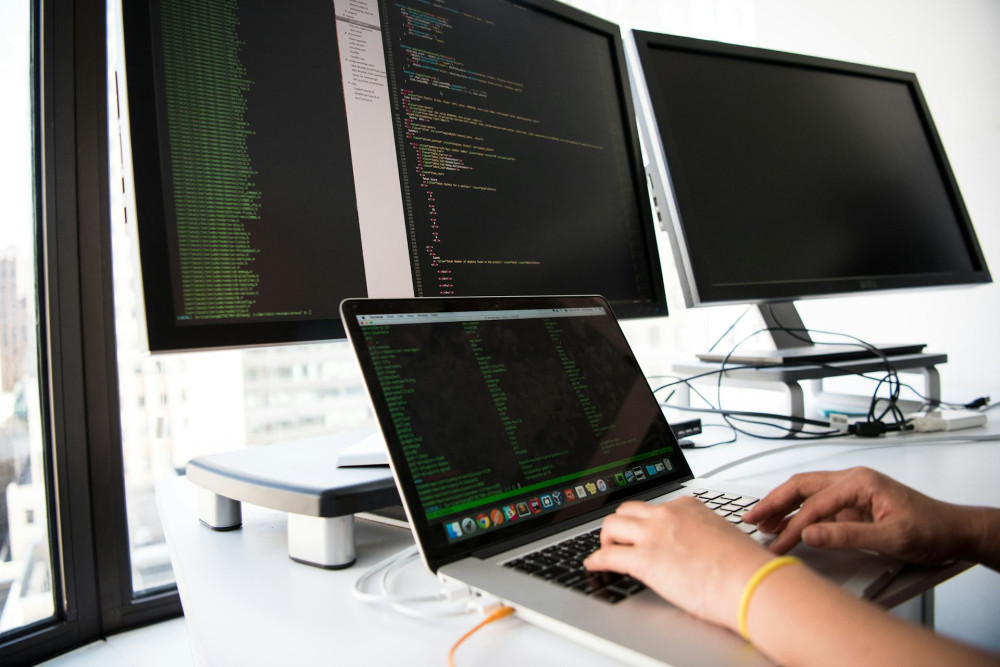
Lightweight Software – An Overlooked Advantage for Older Devices

Lightweight Software – An Overlooked Advantage for Older Devices
In a world where new laptops, tablets, and smartphones are released every year, older devices can quickly start to feel outdated. Many users notice that their computers slow down, apps take longer to open, and batteries drain faster than they used to. But often, the real issue isn’t the hardware—it’s the software. Lightweight software can breathe new life into aging devices, saving both money and resources.
What Is Lightweight Software?
Lightweight software refers to programs and operating systems designed to use fewer system resources—less RAM, lower CPU load, and minimal storage space. This makes them ideal for older or lower-spec hardware, where modern, feature-heavy applications might struggle to run smoothly.
Examples include Linux distributions built for low-spec machines, or simplified versions of popular apps—such as text editors, web browsers, and photo tools that focus on performance rather than visual effects.
Why Software Keeps Getting Heavier
Software development often follows hardware progress. As new computers become faster and more powerful, developers add more features, richer graphics, and complex interfaces. While this can improve functionality, it also increases system demands.
For users with older devices, updates that are meant to enhance performance can instead slow things down. That’s where lightweight software shines—it focuses on what’s essential and avoids unnecessary extras that consume resources.
The Benefits of Choosing Lightweight Software
There are several compelling reasons to consider lightweight software—both practical and environmental:
- Extended device lifespan – A computer that once felt unusable can gain several more years of life.
- Improved performance – Faster startup times, fewer crashes, and a more responsive experience.
- Lower energy use – Less strain on hardware often means lower power consumption, which benefits both the environment and your electricity bill.
- Reduced upgrade costs – You can save money by keeping your current device instead of buying a new one.
For many users who primarily browse the web, write documents, or check email, there’s rarely a need for the most demanding software.
Examples of Lightweight Solutions
There are plenty of ways to give older devices a second wind:
- Operating systems: Distributions like Lubuntu, Linux Lite, or ChromeOS Flex are designed to run efficiently on older hardware.
- Browsers: Lightweight browsers such as Midori or Brave (in low-resource mode) can be good alternatives to heavier mainstream options.
- Office suites: Instead of large office packages, try OnlyOffice, AbiWord, or Google Docs in your browser.
- Photo editing: Tools like Pixlr or Photopea offer powerful features directly in the browser without installation.
These options may take a little time to get used to, but they can make a noticeable difference in everyday use.
A Greener Choice
Reusing and optimizing existing hardware isn’t just good for your wallet—it’s also a step toward a more sustainable tech culture. Electronic waste is a growing global problem, and manufacturing new devices requires significant energy and rare materials.
By choosing lightweight software, you can reduce the need for frequent upgrades and lower your environmental footprint. It’s a simple way to combine smart technology use with eco-conscious living.
Læs også:


How to Get Started
If you’d like to try lightweight software, start small:
- Identify your needs – What do you actually use your device for?
- Test alternatives – Many lightweight programs are free to try.
- Consider a new operating system – If your computer is very slow, a lightweight Linux system might be the best solution.
- Back up your files – Always save your data before making major changes.
There are many online guides and communities ready to help new users get started—often for free and with plenty of friendly advice.
A Second Life for Old Machines
Lightweight software isn’t about compromise—it’s about using resources wisely. An older computer can still be perfectly capable with the right software. All it takes is a bit of curiosity and a willingness to try something new.
In a fast-moving tech world, it can be refreshing to realize that you don’t always need the latest hardware. Sometimes, the best upgrade is simply a lighter program.
Læs også: