Upgrade Instead of Replace: How to Get More Out of Your Older Wearables

Upgrade Instead of Replace: How to Get More Out of Your Older Wearables
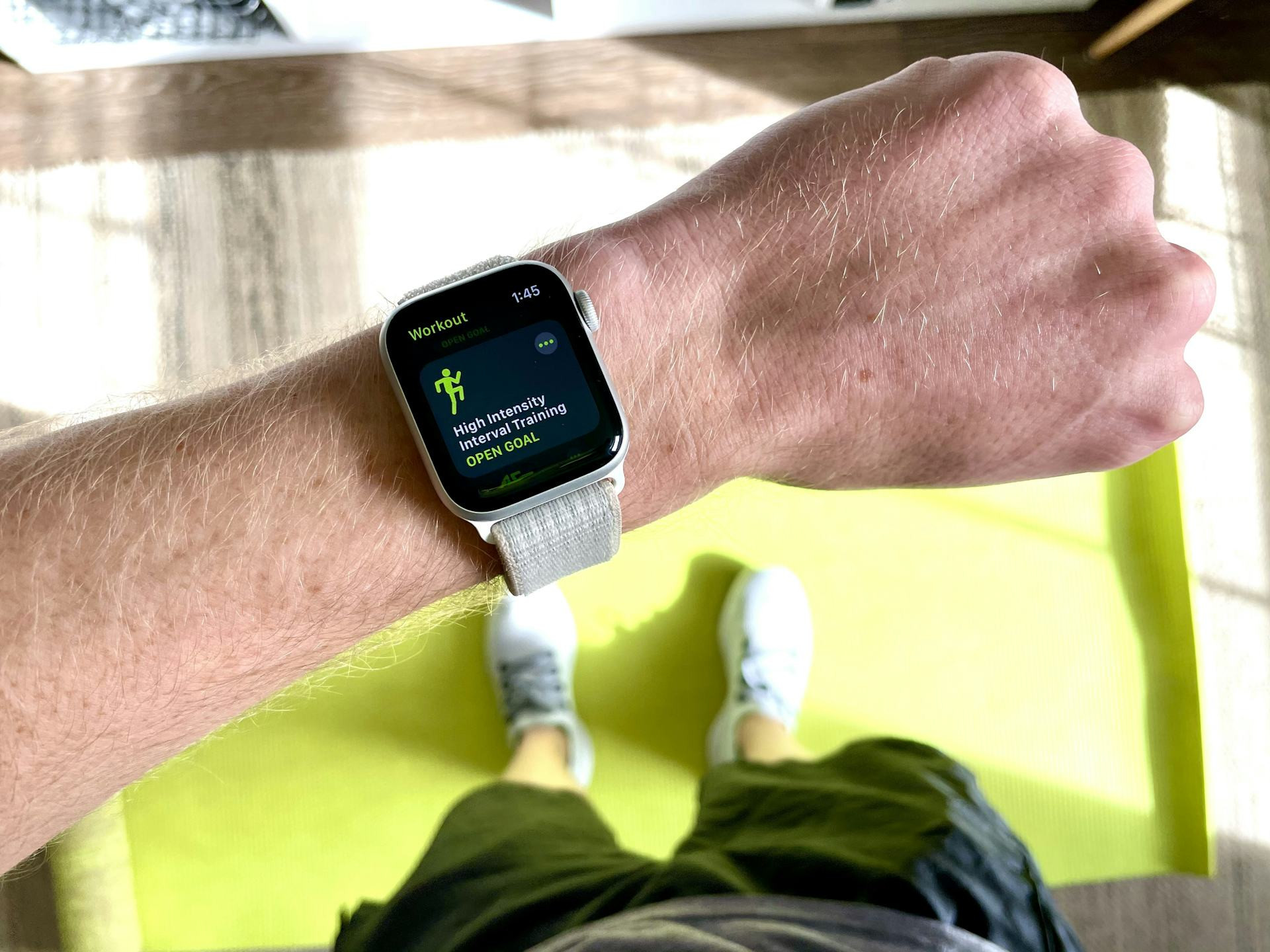
Wearables like smartwatches and fitness trackers have evolved rapidly—from simple step counters to advanced health and lifestyle companions. With new models launching every year, it’s easy to feel tempted to upgrade. But in many cases, you don’t need to buy a new device to enjoy new features or better performance. With a few smart tweaks, updates, and accessories, you can breathe new life into your current wearable—saving money and reducing waste.
Here’s how to make your existing device feel new again.
Start with a Software Update
The first step is to make sure your wearable is running the latest software. Brands like Apple, Samsung, Garmin, and Fitbit regularly release updates that improve performance, battery life, and security.
Check your companion app to see if an update is available. Many users are surprised to find that a simple software refresh can unlock new features—like improved sleep tracking, new workout modes, or more accurate heart rate monitoring—without spending a dime on new hardware.
Swap the Band for a Fresh Look
A new band can completely change how your wearable feels and looks. If your watch or tracker is starting to look worn, try replacing the band with one in leather, silicone, or stainless steel.
There’s a huge selection of bands available online and in stores, including affordable third-party options. You can easily match your wearable to your outfit, activity, or mood—whether you’re heading to the gym, the office, or a night out.
Explore Third-Party Apps and Widgets
Many wearables support third-party apps that can expand their functionality. From advanced running programs to mindfulness tools and productivity trackers, there’s likely an app that fits your current goals.
Take a few minutes to browse your device’s app store or companion app. You might find new ways to use your wearable that make it feel like a brand-new device.
Extend Battery Life
A weak battery is one of the most common reasons people replace their wearables. But before you give up on yours, try these simple fixes:
- Turn off unnecessary notifications.
- Lower the screen brightness.
- Use power-saving mode when you’re not working out.
- Clean the charging contacts to ensure a solid connection.
If your battery still doesn’t hold a charge, check whether it can be replaced. Many repair shops in the U.S. offer battery replacement services for popular models—a much cheaper and more sustainable option than buying new.
Refresh the Sensors
Over time, sensors can become less accurate if they’re covered with dirt, sweat, or skin oils. Clean them regularly with a soft cloth and a bit of water or alcohol-free cleaner.
If you use your wearable for fitness tracking, consider pairing it with external sensors—like a chest strap for heart rate or a separate GPS unit. These accessories can improve accuracy and reduce strain on your device’s built-in sensors.
Læs også:

Use It in New Ways
Maybe you’ve had your wearable for years and think you’ve seen all it can do. But as your lifestyle changes, so can the way you use it.
If you used to focus on running, try exploring features for sleep tracking, stress management, or recovery. Or use your smartwatch as a discreet tool to control music, give presentations, or manage smart home devices. You might be surprised at how versatile your “old” wearable still is.
Think Green—and Save Money
Extending the life of your electronics isn’t just good for your wallet—it’s good for the planet. Manufacturing new devices consumes energy and rare materials, so keeping your current wearable in use longer helps reduce your environmental footprint.
When you eventually do upgrade, consider selling or donating your old device. Many older models still work great for kids, beginners, or as a backup.
A Smarter Way to Stay Current
Upgrading instead of replacing is about getting the most out of what you already own. With a little maintenance, creativity, and curiosity, your older wearable can continue to be a reliable and modern part of your daily routine.
Sometimes, the best device isn’t the newest one—it’s the one you know, trust, and use to its full potential.
Læs også: